Edit PDF Tool
PDF files are widely used because they keep content stable. But sometimes you still need to make changes. You may want to update text, remove pages, or adjust layout. This is where an Edit PDF tool becomes essential.
Our Edit PDF tool lets you modify PDF files directly in your browser. You do not need to install software. You do not need to create an account. Just upload your file, make changes, and download the updated PDF in minutes.
If you are looking for a simple way to edit PDF online, this tool is built to help you work faster and stay in control.
What Is an Edit PDF Tool?
An Edit PDF tool is an online solution that allows users to modify existing PDF documents. PDFs are usually fixed and hard to change, which makes editing difficult without special software.
A modern pdf editor tool solves this problem by letting you edit content inside the browser. You can adjust text, manage pages, and update documents without converting them to another format.
This online pdf editor makes PDF editing accessible for everyone, regardless of device or technical skill.
Why Use an Edit PDF Tool?
There are many reasons to use this tool instead of traditional desktop software.
PDF files are common in work and education.
They are used for forms, reports, and documents.
Making small changes should not require paid software.
With a free pdf editor, you can:
- Save time
- Avoid software downloads
- Edit files anywhere
- Keep document formatting intact
A browser-based editor is especially useful when you need quick edits without extra setup.
How to Use the Edit PDF Tool (Step-by-Step)
Using the Edit PDF tool is simple and beginner-friendly.
- Upload your PDF file into the editor.
- Select the area or page you want to edit.
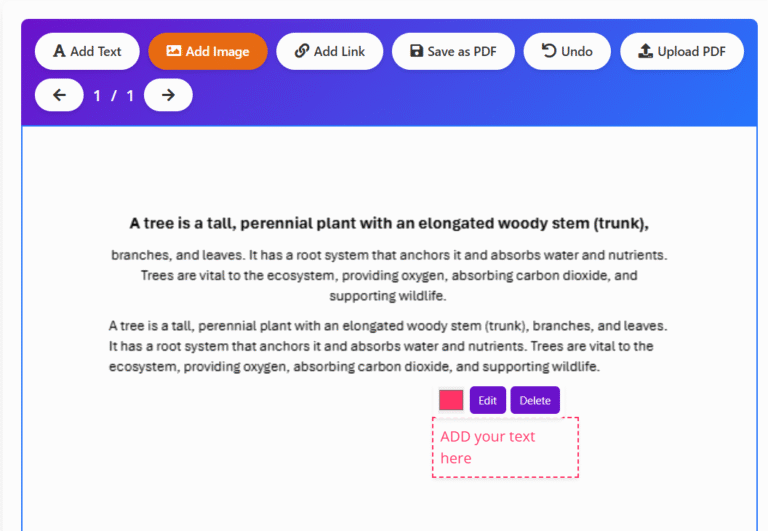
- Make your changes using the available tools.
- Preview the updated document.
- Download the edited PDF file.
The process runs smoothly in your browser. No advanced knowledge is required.
When should you use this tool?
- When you want fast browser-based editing
- When you need to make quick changes to a PDF
- When editing PDF text or layout online
- When you don’t have editing software
- When you need to edit a PDF quickly
- When you don’t have editing software
- When fixing small PDF changes
- When working online
Key Features of This Edit PDF Tool
This Edit PDF tool focuses on clarity, speed, and ease of use.
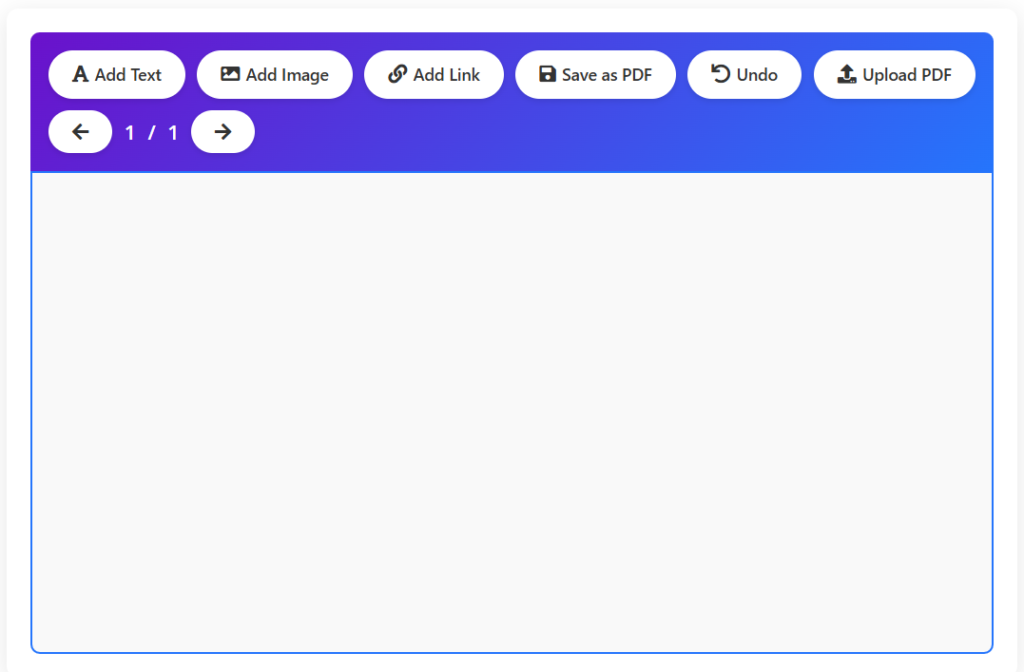
- Edit PDF online without installing software
- Browser-based PDF editing
- No signup or login required
- Fast file processing
- Works on desktop, tablet, and mobile
- Clean and simple editing interface
As a browser based pdf editor, it is designed to work reliably across devices.
Who Can Use This Tool?
The Edit PDF tool is useful for many types of users.
Students can edit assignments and notes.
Office professionals can update reports and forms.
Freelancers can revise client documents.
Teachers can modify study materials.
General users can make quick PDF edits.
Anyone who needs to edit PDF online can benefit from this tool.
Pros and Cons of Editing PDFs Online
Pros
- Easy to use
- No software installation
- Fast editing process
- Works on all devices
- Secure browser-based handling
Cons
- Advanced design features may be limited
- Best suited for basic and moderate edits
The tool focuses on practical editing rather than complex document design.
Related PDF Tools
For complete PDF management, you may also find these tools helpful:
- Create new PDFs using Text to PDF
- Combine documents with Merge PDF Tool
- Reduce file size using Compress PDF
- Split large documents using Split PDF Tool
- Add protection using PDF Watermark Tool
These tools work together to cover most PDF editing needs.
Safety, Privacy, and File Handling
User trust is a priority. This tool is designed with privacy and transparency in mind.
The tool uses browser-based processing wherever possible. Your PDF files are not stored permanently. No account is required to use the editor.
Files are handled only for the purpose of editing and downloading. Users should always review the final document before using it for official or legal purposes.
Frequently Asked Questions
Is the tool free to use?
Yes. This is a free pdf editor with no hidden costs.
Do I need to install any software?
No. The tool works fully online in your browser.
Can I edit PDF files on mobile devices?
Yes. The editor works on smartphones and tablets.
Are my files stored on your servers?
No. Files are not stored permanently after editing.
What type of edits can I make?
You can make basic and moderate changes to your PDF content.
Conclusion
The Edit PDF tool on CalculatorKits offers a simple and reliable way to modify PDF documents online. It removes the need for complex software and makes PDF editing accessible to everyone.
With browser-based processing, fast performance, and no signup required, this online pdf editor is ideal for daily use. If you need a quick and secure way to edit PDF files, this tool is a practical solution.